Guide
Input cost
Record and manage costs for the inputs used on your farm.
Leer en español →Notice: This article describes features included in the Semilla plan.
The Input cost module in Aragro is an essential tool for managing and tracking the costs associated with the inputs used on your farm.
Open the Input cost module
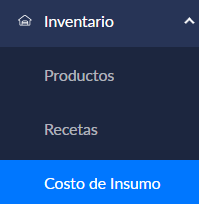
Section titled “Open the Input cost module”- In the left sidebar, select Inventory.
- In the Inventory menu, click Input cost to open the module.
Record a new input cost
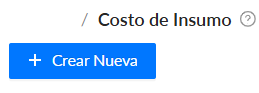
Section titled “Record a new input cost”- Start a record: In the Input cost module, click “+ Create new” to add a cost record.
- Fill in the fields:
- Record date: Enter the date when you are recording the cost.
- Input name: Select the input to which the cost applies.
- Unit cost: Enter the cost per unit of the input.
- Notes: Add any other relevant details.
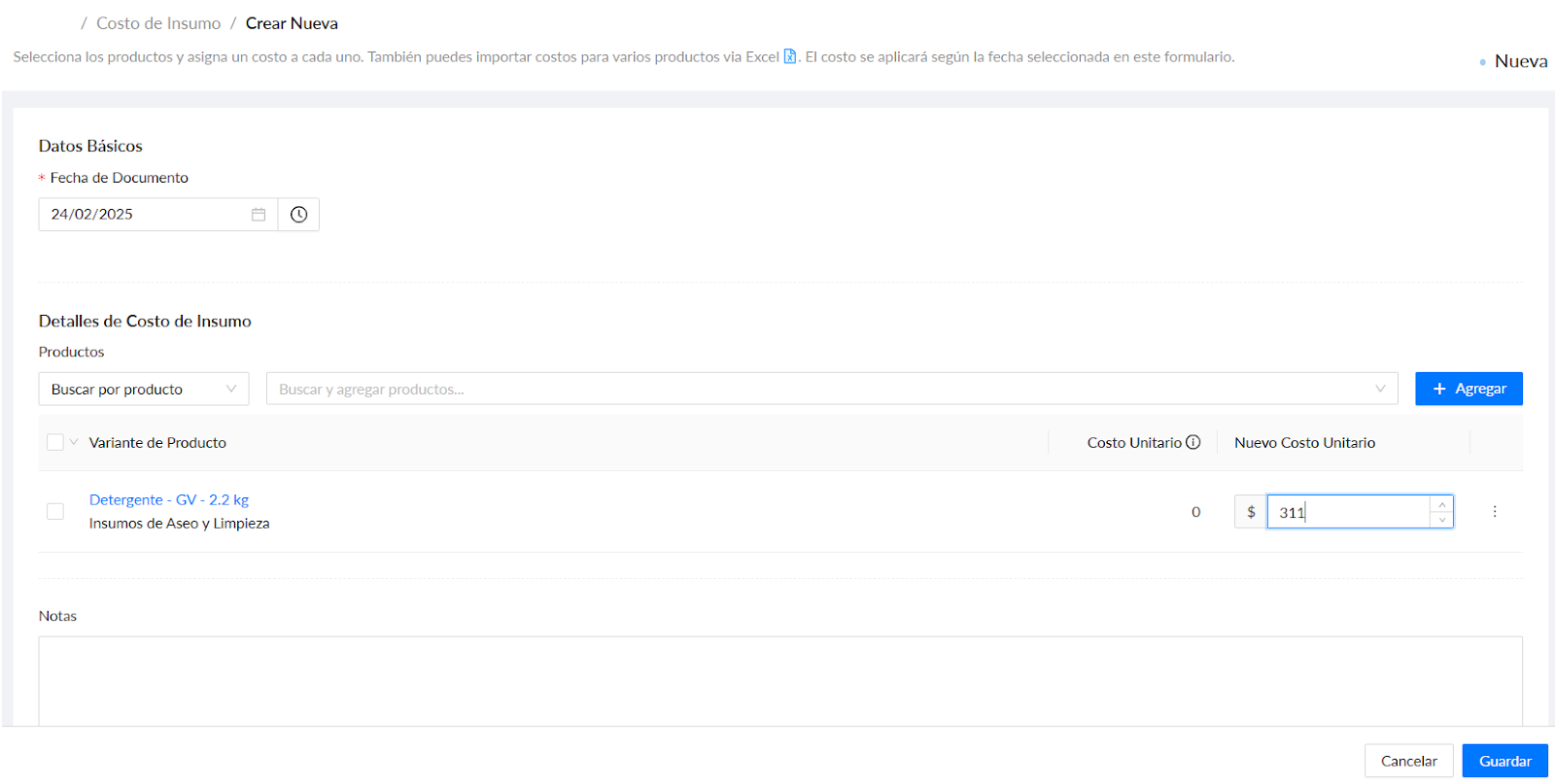
- Save the record: After completing all required fields, click Save to add the cost to the system.
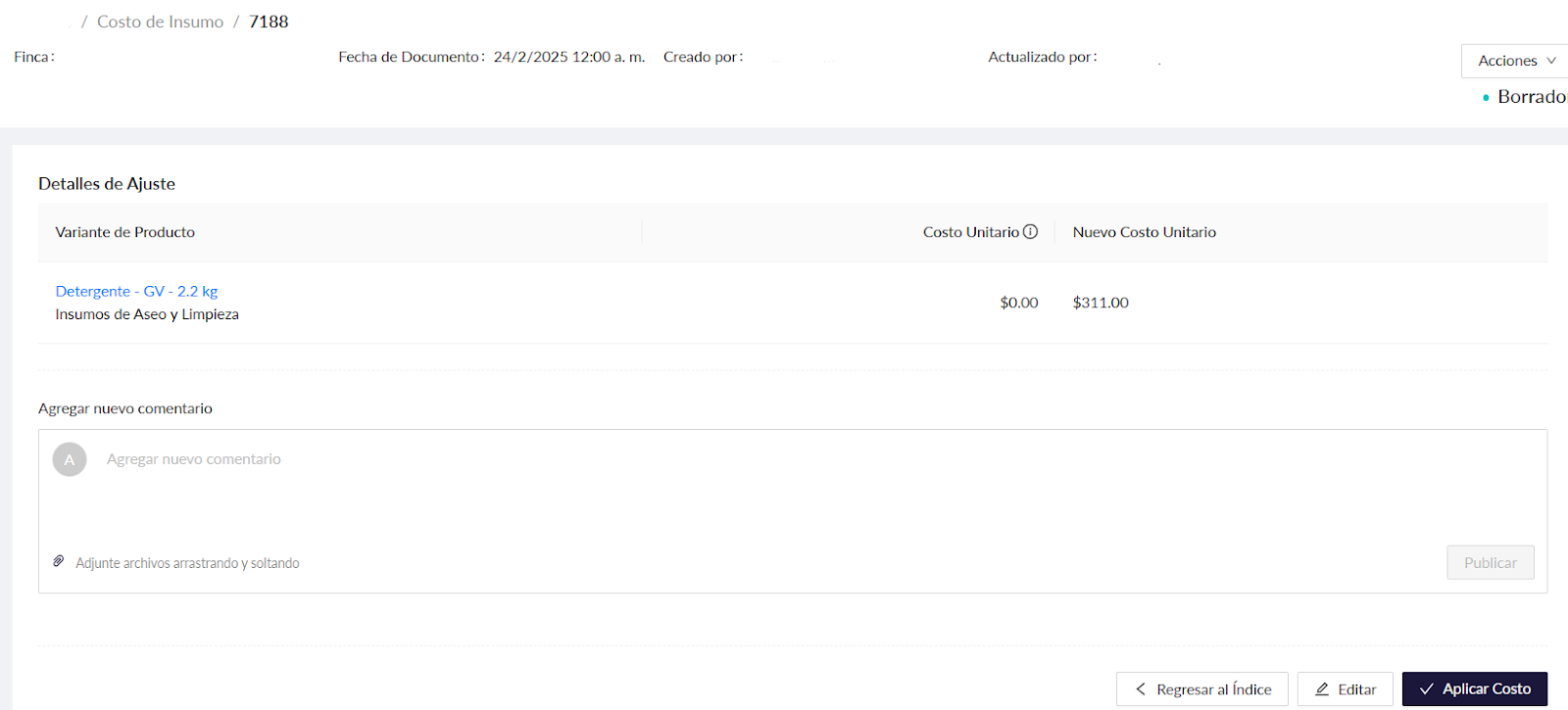
- Finally, click Apply cost.
Manage existing input costs
Section titled “Manage existing input costs”- View costs: The Input cost module shows a complete list of records, including the input name, record date, unit cost, and supplier.
- Edit costs: Once a cost has been assigned in a transaction and that transaction is complete, you cannot edit the cost because Aragro is a transactional system. However, you can reverse the transaction and enter the cost assignment again with the correct information.
Open the transaction by clicking its ID in blue. Then select Actions; the Reverse option will appear in red.


Managing input costs appropriately in Aragro helps you keep close track of farm expenses, optimize resources, and improve the profitability of your agricultural operations.